
For Candidates

your Timesheet Hub

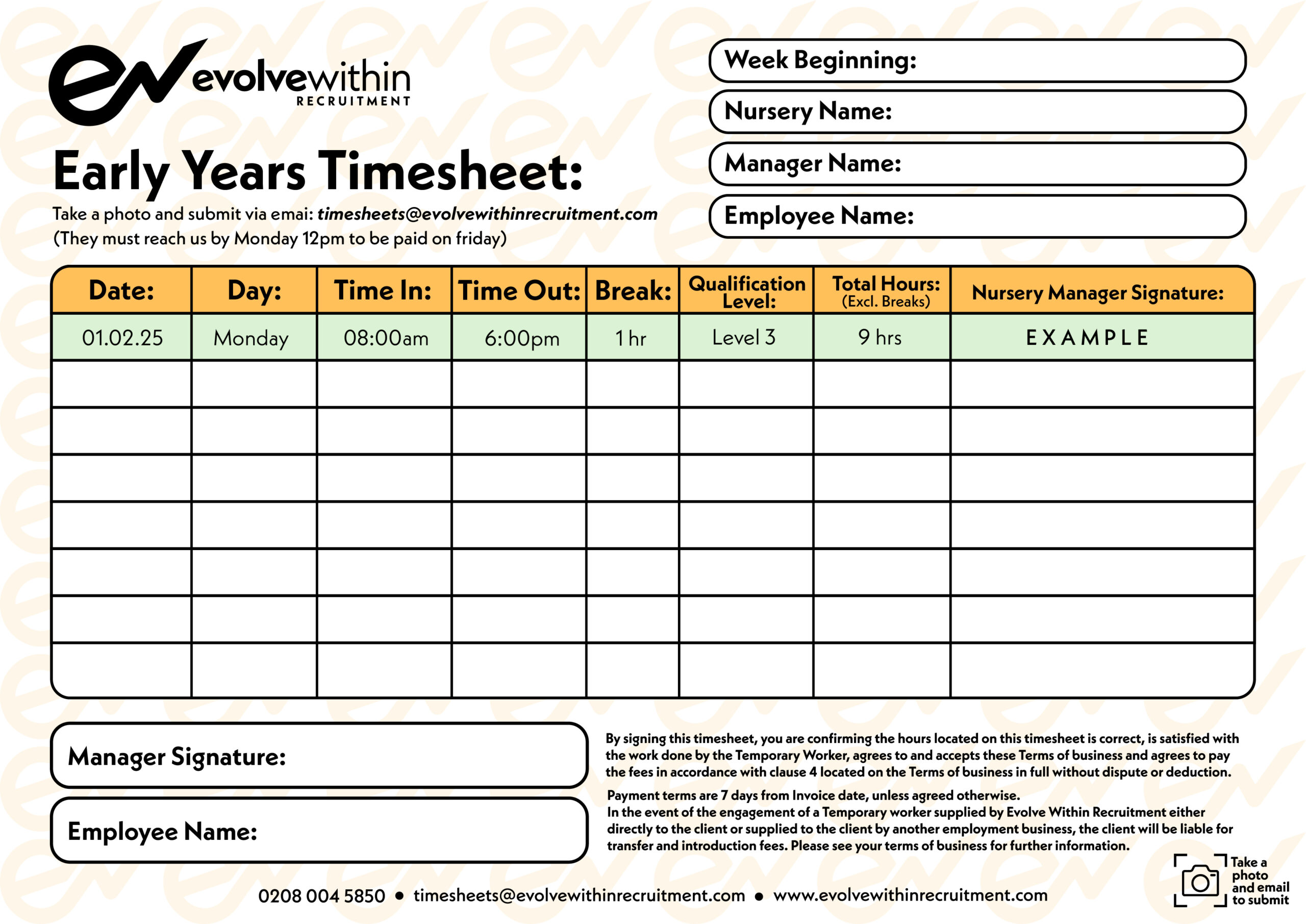
Download your weekly timesheet, fill it in, get it signed — then upload it here before Monday at 12pm to make sure you’re paid on Friday. Simple.

For Candidates

Your Timesheet Hub

Download your weekly timesheet, fill it in, get it signed — then upload it here before Monday at 12pm to make sure you’re paid on Friday. Simple.

How It Works

Four Simple Steps to Get Paid

Step 1

Download

Download and print your timesheet. You need a fresh one for each nursery you work in that week.

Step 2

Complete

Fill in every section using black ink only. Incomplete or illegible timesheets may be rejected.

Step 3

Get Signed

Make sure your nursery manager signs the sheet before you submit. Unsigned sheets will be rejected.

Step 4

Upload

Take a clear photo or scan of the full sheet and upload it below before Monday at 12pm.

Important Reminders

Before You Submit — Check These

⏰ Monday 12pm Deadline

Timesheets must reach us by Monday at 12pm to guarantee payment on Friday of that week.

🖊 Black Ink Only

Always complete your timesheet in black ink. Timesheets completed in other colours may be rejected.

✍️ Signatures Required

Your timesheet must be signed by the nursery manager before you submit it. Unsigned sheets will be rejected.

📸 Clear Photo or Scan

Make sure the entire timesheet is visible in your photo or scan. Partial or blurry submissions may be rejected.

Candidate handing timesheet to nursery manager

Download Your Timesheet

Download a fresh timesheet every week. Remember — each nursery you work in requires its own separate sheet.

Evolve Within Recruitment Timesheet

Upload Your Timesheet

Upload your completed and signed timesheet below.